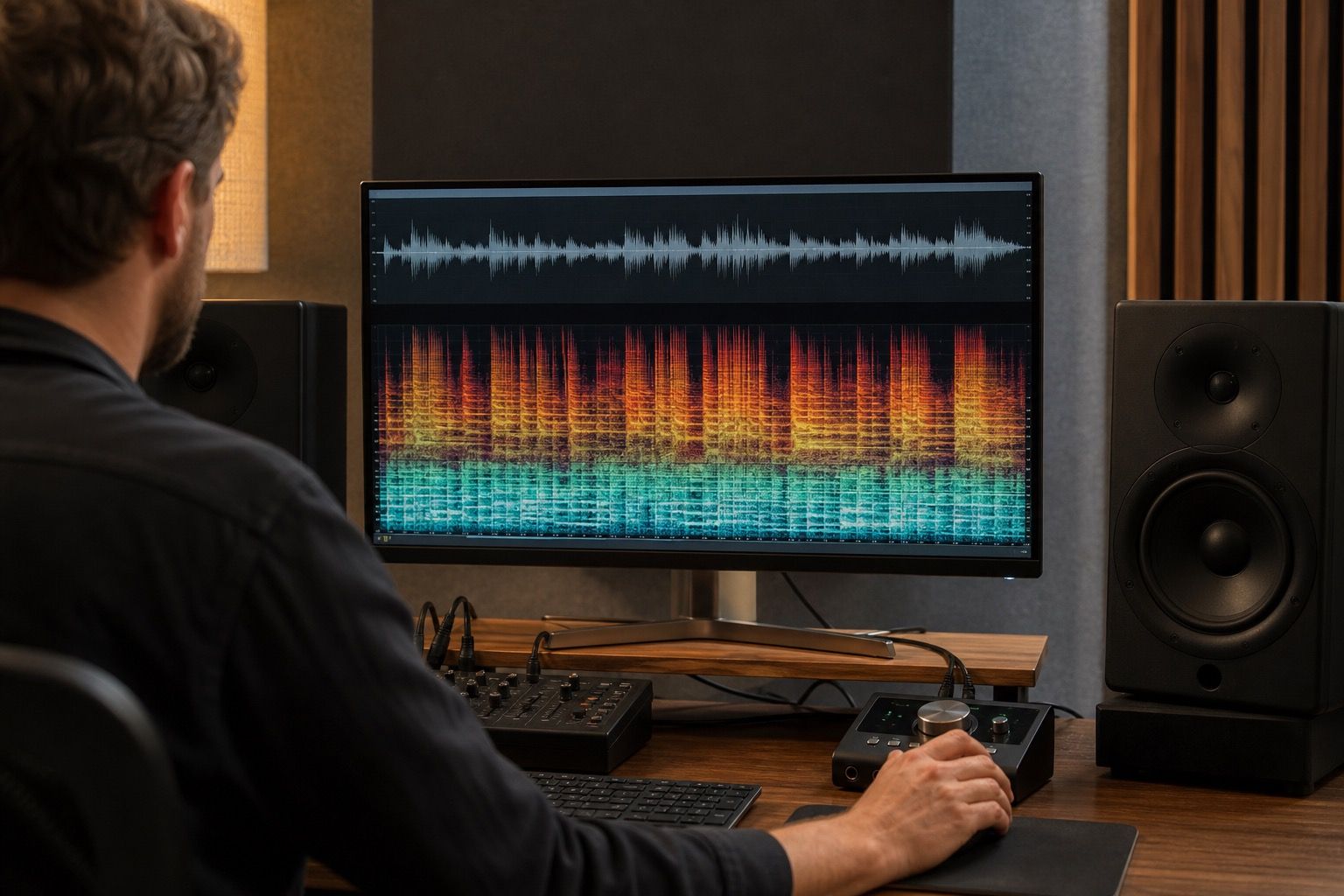
Suno stems can be useful, but they rarely behave like studio multitracks. A separated vocal may carry bits of cymbal wash. A drum stem may arrive with softened transients and a ghost of the full mix around it. The right way to clean them is not to pretend they are perfect sources, but to treat each stem as a repair layer that needs listening, small corrections, and a final check against the full mix before you start building effects.
Treat stems as repair sources, not perfect tracks
The first mistake is opening the stems and immediately mixing as if the session came from a band recording. Suno stems are usually derived from a finished AI mix, so the separation has already made guesses. Those guesses can leave bleed, timing smear, roomy artifacts, and strange gaps where one instrument borrowed energy from another. If you compress that material too early, the artifacts become louder and more permanent.
Start by lining up every stem with the full mix reference. Listen to the first downbeat, a busy chorus, and the final fade or ending. If the stems do not sum close to the reference, note the difference before you change anything. Sometimes the vocal stem starts a few milliseconds soft. Sometimes the bass loses its weight when the drum stem is muted. Those are not moral failures, just facts about the source. Knowing them keeps you from chasing balance problems that were created by separation, not by your mix moves.
I also keep the original full mix on a muted track and flip to it often. It is the best map of what the song was trying to do. A cleaned stem session can sound technically clearer while losing the hook, especially when the cleanup removes glue that the AI mix used to hide rough edges. If the stem-only version feels smaller after ten minutes of work, the repair is probably getting too ambitious.
Clean the vocal stem before adding effects
The vocal stem usually decides whether the cleaned mix feels believable. Before reverb, delay, saturation, or widening, listen for three problems: harsh consonants, non-vocal bleed, and a synthetic bed that follows the melody. Solo listening helps you locate them, but the real decision happens in context. A tiny cymbal ghost under a loud chorus vocal may disappear in the arrangement. A low humming layer in a verse can make the whole song feel cheap.
Use narrow, conservative moves first. A dynamic EQ can catch a sharp band only when a syllable bites. A gentle de-esser can calm fake air without pulling the vocal behind the beat. Spectral repair can remove a short burst of bleed if it is isolated enough. What I avoid is a broad denoise pass at the start. It often turns the vocal into a papery shape, and then every later effect makes that weakness more obvious.
| Stem problem | Where it shows up | Safer first move |
|---|---|---|
| Vocal bleed | Cymbals or pads behind phrases | Clip-level cleanup on exposed gaps |
| Timing smear | Doubled syllables and soft attacks | Keep compression light and avoid hard transient shaping |
| Low-end clutter | Bass and kick fighting under the hook | High-pass non-bass stems before boosting bass |
| Roomy artifacts | Tail after vocal lines | Shorten with automation before adding new reverb |
Check drums and bass for phase smear
Drum and bass stems are where Suno separation can become sneaky. The kick may have a clean click but a vague low body. The bass may sound wide for no musical reason. When both are playing, the low end can feel large in stereo and weak in mono. Before EQ, hit the mono button and listen to the chorus. If the groove shrinks, wobbles, or loses the first beat of each bar, you have a phase or separation problem to respect.
Do not fix low-end clutter by simply adding more bottom. Clean the non-bass stems first. Vocals, pads, guitars, and even fake room tone can carry unnecessary low-mid energy. A measured high-pass on those layers often gives the bass more room without making it louder. Then check the kick and bass together, not in isolation. A soloed bass stem may sound impressive with wide harmonics, but the mix may need a narrower, steadier foundation.
Drum transients also need restraint. If the stem separation softened the snare, heavy transient enhancement can pull up artifacts around every hit. Try parallel support instead: a touch of clean transient layer, a very light clipper, or automation on important sections. The goal is to restore punch, not to make the separated stem confess every flaw at the front of the mix.
Rebuild balance with conservative gain moves
Once the obvious stem problems are calmer, rebuild the mix at low gain. Pull all stems down, bring in drums and bass first, then add the vocal, then the musical bed. Keep plenty of headroom. Suno exports can already be dense, and separated stems can stack hidden energy when recombined. If the master bus starts working too early, you will not know whether the pressure comes from the song or from the repair chain.
Small gain changes often beat clever processing. A vocal stem with artifacts may sound cleaner if it sits half a decibel lower and has a better automation ride. A drum stem with room smear may need less stereo width, not more compression. A pad stem may support the chorus better after subtractive EQ than after another layer of polish. When learning how to clean up Suno stems, the boring moves are often the ones that keep the song intact.
Watch effect sends carefully. Reverb can hide stem roughness, but it also spreads it. Delay can make a repaired vocal feel human, but feedback will repeat any metallic edge you missed. I prefer short tests: add the effect, print a quick chorus bounce, and listen away from the session view. If the cleanup only sounds good while you are staring at the plugin, it is not ready.
Export stems and full mix references together
Finish with exports that make future decisions easier. Keep the cleaned stems, the cleaned full mix, and the original Suno reference in the same folder with clear names. Export at the same start point and sample rate. If you made important automation moves, print them into the cleaned stems or save a session copy that opens without mystery routing. Future you will not remember which denoiser setting saved the second chorus.
Before calling the cleanup done, listen to the cleaned full mix beside the original. The new version should have fewer distracting artifacts, cleaner vocal space, tighter low end, and enough of the original energy to still feel like the same song. If it sounds smaller, thinner, or more nervous, undo the strongest repair and compare again. Suno stem cleanup is useful because it gives you handles on the song, not because it guarantees perfect isolation.
A dependable workflow is simple: align the stems, repair the vocal before effects, test drums and bass in mono, rebuild gain slowly, and export references together. That gives the mix a chance to improve without pretending the separated files are something they are not.