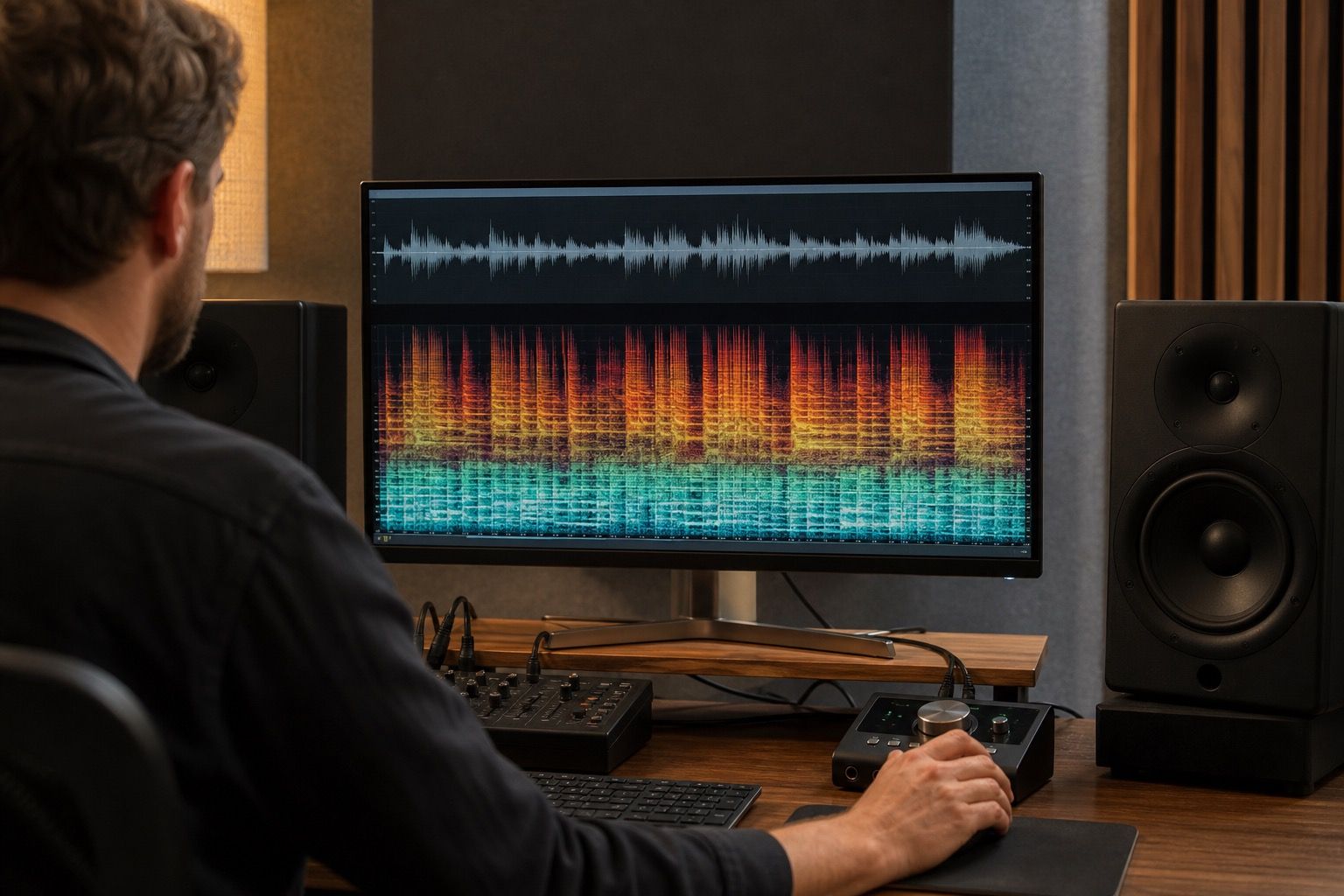
A track can sound impressive for the first thirty seconds and still become hard to finish, especially when AI vocals, bright cymbals, dense backing layers, and loud mastering all lean on the same part of the ear. Listening fatigue is not a mysterious failure of taste; it is usually a pileup of small mix decisions that keep asking for attention.
The difference between excitement and fatigue
Excitement in a mix has movement. A chorus opens, a vocal catches a little edge, the drums lift, and then the ear gets a place to rest. Fatigue feels different. The song keeps its foot pressed down even in the verse, so the listener never gets contrast. In AI music, that pressure often comes from a vocal model that holds every syllable at the same emotional brightness, while the instrumental fills nearly every gap around it.
The quickest check is not technical. Play the first minute at a normal volume, then ask whether you want to turn it up, leave it alone, or quietly turn it down. If the track makes you lower the volume before the hook arrives, the problem is probably not just loudness. It may be constant upper-mid energy, crowded consonants, or a master that has squeezed the natural dips out of the arrangement.
I like to separate pleasant intensity from tiring intensity by listening for recovery points. A good bright vocal can still relax between phrases. A strong snare can still leave air behind it. A tiring mix keeps the vocal, snare, synth lead, hi-hat, and reverb sheen fighting in the same narrow strip. The song may measure fine on a loudness meter and still feel like it is leaning too close to the face.
Why AI vocals can feel sharp after one minute
AI vocals often exaggerate the parts of a performance that sound clear in isolation. The front of words, breath edges, sibilance, and vowel brightness can all arrive neatly printed. That neatness helps a generated voice cut through a busy track, but it can become brittle when the same tone stays in place for a whole song. The 2 kHz to 6 kHz area is where intelligibility lives, and it is also where many listeners start to feel pressure.
A common sign is a vocal that sounds exciting on laptop speakers but tiring in headphones. The line is understandable, the hook is memorable, and nothing seems obviously broken. Then the second chorus lands and the S sounds, T sounds, and shiny reverb tail begin to stack up. If you solo the vocal, it may not sound terrible. Put it back into the full mix and the cymbal fizz, synth harmonics, and vocal edge all share the same seat.
Do not fix this by making the vocal dull across the whole track. That usually trades fatigue for a covered, muffled sound. Use small moves first: a narrow dynamic cut where the vocal bites, gentle de-essing, and a check that the backing instruments are not masking the lower body of the voice. Sometimes the vocal is blamed when the actual fatigue comes from a bright pad or a distorted guitar layer that never changes.
Use short listening loops without fooling yourself
Looping a problem section is useful, but it can also make the ear adapt to the problem. I use short loops for diagnosis, then full passes for judgment. First, take a loud chorus, a verse with exposed vocal, and the final thirty seconds. Listen to each at low volume. Harshness that remains obvious at low volume is worth fixing. Harshness that appears only when you blast the track may be a playback decision, not a mix emergency.
After that, stop the loop and play something else for two minutes. Choose a released track in a nearby style, not a perfect audiophile reference from another planet. Come back to the AI track at the same playback level. If the vocal suddenly feels narrow or the cymbals feel sprayed across the top, you have a more reliable clue than you would get from staring at an equalizer for half an hour.
Keep notes in plain language. Write down things like vocal hurts on chorus line two, hi-hat too white in headphones, bridge has no rest, or final master smaller after de-essing. These notes survive better than numbers. They also stop you from fixing the same irritation three different ways and discovering later that the song lost its point.
| Listening check | What it can reveal | Useful response |
|---|---|---|
| Low-volume chorus | Upper-mid pressure that does not depend on loud playback | Try dynamic EQ or reduce a competing bright layer |
| Closed-back headphones | Sibilance, vocal edge, and dense reverb tails | De-ess lightly and shorten or darken vocal effects |
| Small speaker | Whether brightness is hiding a thin midrange | Add body before cutting more top end |
| Car speaker check | Persistent glare during real-world playback | Compare verse and chorus balance, then adjust in small steps |
Check brightness on small speakers and headphones
Small speakers are honest about balance in a slightly rude way. They remove much of the deep low end, so the vocal, snare, guitar, and synth edge have nowhere to hide. If the track becomes all bite and no body on a kitchen speaker or laptop, the mix may be relying on bass weight to make the brightness feel acceptable. That balance can collapse for listeners who hear the song on phones, small Bluetooth speakers, or earbuds.
Headphones reveal a different problem: closeness. A vocal that feels lively in the room can feel pinned to the forehead in headphones, especially when there is too much stereo width in the bright effects. Listen for consonants that jump forward, chorus stacks that smear into one continuous line, and reverbs that keep shining after every phrase. Fatigue often comes from the space around the vocal as much as from the dry vocal itself.
The car speaker check is still useful because it adds road noise and a normal listening posture. You are not sitting like a mastering engineer; you are hearing whether the song behaves while attention is split. If the hook remains clear but the top end feels abrasive after a few minutes, the track needs more contrast. If the song disappears under road noise, the issue may be midrange support rather than harshness.
Reduce fatigue while keeping energy
The best fixes protect the reason the track worked in the first place. Start by deciding what should feel bright: the lead vocal, the snare crack, the synth lead, or the air of the master. Not all of them need to be bright at once. If the vocal carries the song, let the hi-hat sit a little lower or darker. If the instrumental hook is the star, make room by smoothing the vocal doubles and reverb return.
Use dynamic processing when the problem appears only on certain words or moments. A static EQ cut can make the whole performance smaller, while a dynamic band can catch the pressure when the AI voice leans into a vowel. Compression deserves the same caution. Too much compression can make a vocal seem polished, then tiring, because the quiet details stay loud all the time. Sometimes backing off a limiter or vocal compressor gives the ear more rest than another EQ move.
Arrangement edits can be more effective than mix surgery. Drop a bright percussion loop from the second verse. Thin the last chorus ad-libs. Let one bar before the hook breathe. AI music often arrives with impressive density, but density is not the same as impact. When the listener gets contrast, the loud parts feel bigger without becoming harder to endure.
Finish with a timed test. Listen once from the top at the level you expect a real listener to use. Do not touch the controls during playback. If you still want to hear the final chorus when it arrives, the repair probably worked. If you are already waiting for the song to end, the mix may still be asking too much from the same tired part of the ear.