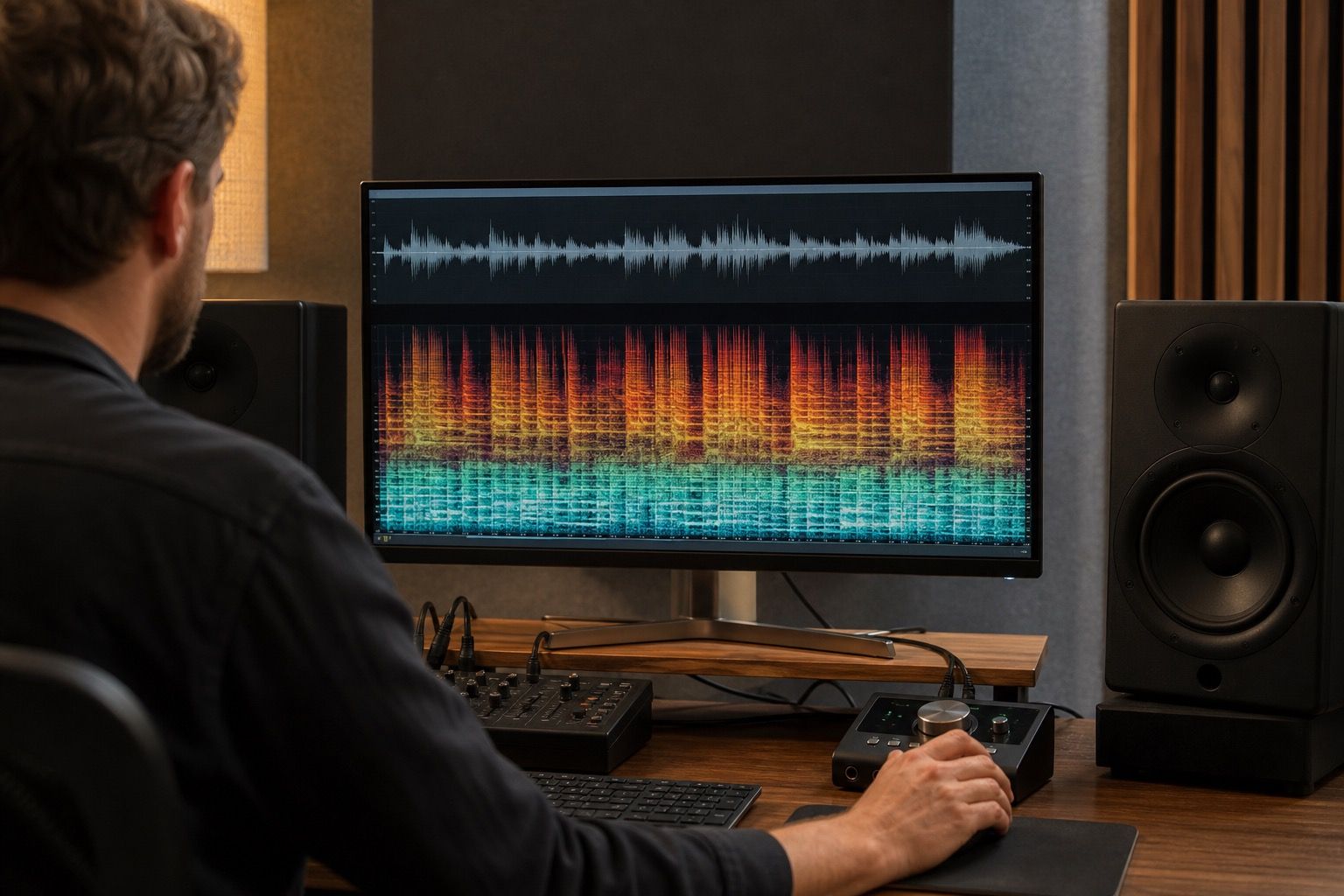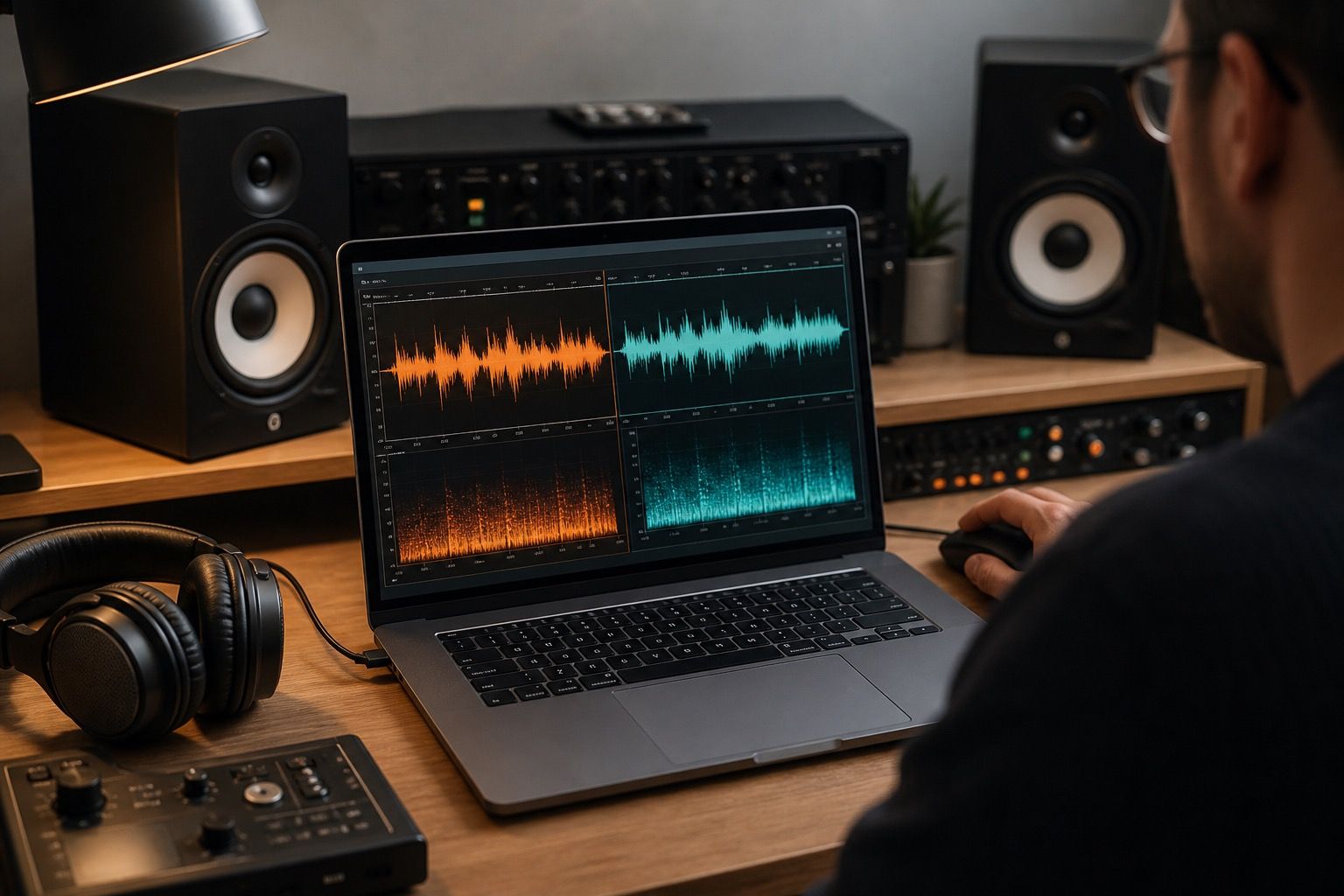
How To Remove Suno Artifacts Without Flattening The Song is about making a track easier to trust before release. The point is not to chase perfect restoration; it is to find the few remove suno artifacts problems that listeners will actually notice, clean them without draining the performance, and export a version that still feels like music rather than a repaired file.
Identify whether the artifact is noise, tone, or movement
Before trying to remove Suno artifacts, decide what kind of artifact is in front of you. Noise sits like a layer. Tone makes the whole part too sharp, boxy, or cloudy. Movement is stranger: a vocal vibrato wobbles unnaturally, a pad swims around the stereo field, or a cymbal wash seems to breathe against the groove.
Those three problems need different restraint. Noise reduction can help a steady layer, but it can chew consonants if the real issue is movement. EQ can soften fizz, but it cannot rebuild a warped phrase. Naming the type of damage keeps the repair from flattening the song.
Use light cleanup before broad EQ moves
A light first pass is usually safer than a dramatic curve. Reduce the most exposed fizz, check the vocal edges, and keep the cleaned version level-matched against the original. If the fixed file sounds better only because it is quieter or darker, the song has not really improved.
Broad EQ is useful after the obvious artifact is under control. It can rebalance a track that came out too bright or too muddy, but it should not be asked to hide every AI fingerprint. The more a repair changes drums, consonants, and room around the vocal, the more suspicious the result becomes.
Protect drums and consonants while reducing fizz
For protect drums and consonants while reducing fizz, the first useful move is to turn the vague complaint into a short listening test. In How To Remove Suno Artifacts Without Flattening The Song, words like remove suno artifacts, suno artifacts usually point to a real production choice: whether the problem lives in the source, the cleanup settings, the export format, or the mastering stage. I would rather find one repeatable fault than apply a beautiful chain that changes the whole song for no clear reason. Listen for warbling pads, then compare it with the quieter parts of the track and with the most crowded chorus.
The same check should protect the music around the fault. Suno artifacts, noise reduction, transient detail can sound damaged in different ways depending on density, brightness, and file format. A narrow repair may help overfiltered vocals; a broader tonal move may be needed when before and after comparison keeps returning across the whole mix. If the repaired version feels smaller, flatter, or less emotional, back off and keep more of the original movement. Cleanup is successful when the listener stops noticing the defect, not when every visual or technical trace has been scrubbed away.
| Stage | Practical check |
|---|---|
| First listen | Mark one timestamp where the artifact is easiest to hear. |
| Cleanup pass | Use the smallest repair that reduces the problem without dulling the part. |
| Comparison | Level-match the original and cleaned export before judging tone. |
| Final bounce | Check chorus density, vocal edges, low end, and delivery format. |
Compare quiet verses against dense choruses
For compare quiet verses against dense choruses, the first useful move is to turn the vague complaint into a short listening test. In How To Remove Suno Artifacts Without Flattening The Song, words like remove suno artifacts, suno artifacts usually point to a real production choice: whether the problem lives in the source, the cleanup settings, the export format, or the mastering stage. I would rather find one repeatable fault than apply a beautiful chain that changes the whole song for no clear reason. Listen for overfiltered vocals, then compare it with the quieter parts of the track and with the most crowded chorus.
The same check should protect the music around the fault. Suno artifacts, noise reduction, transient detail can sound damaged in different ways depending on density, brightness, and file format. A narrow repair may help before and after comparison; a broader tonal move may be needed when watery consonants keeps returning across the whole mix. If the repaired version feels smaller, flatter, or less emotional, back off and keep more of the original movement. Cleanup is successful when the listener stops noticing the defect, not when every visual or technical trace has been scrubbed away.
Know when regeneration beats repair
For know when regeneration beats repair, the first useful move is to turn the vague complaint into a short listening test. In How To Remove Suno Artifacts Without Flattening The Song, words like remove suno artifacts, suno artifacts usually point to a real production choice: whether the problem lives in the source, the cleanup settings, the export format, or the mastering stage. I would rather find one repeatable fault than apply a beautiful chain that changes the whole song for no clear reason. Listen for before and after comparison, then compare it with the quieter parts of the track and with the most crowded chorus.
The same check should protect the music around the fault. Suno artifacts, noise reduction, transient detail can sound damaged in different ways depending on density, brightness, and file format. A narrow repair may help watery consonants; a broader tonal move may be needed when buzzy cymbals keeps returning across the whole mix. If the repaired version feels smaller, flatter, or less emotional, back off and keep more of the original movement. Cleanup is successful when the listener stops noticing the defect, not when every visual or technical trace has been scrubbed away.
A practical finish is to save three exports: the untouched source, the cleaned working file, and the version prepared for upload. With How To Remove Suno Artifacts Without Flattening The Song, that small archive makes later decisions less emotional. If a listener complains about harshness, hum, or loss of detail, you can return to the exact stage where it appeared instead of starting the whole repair again.