A spectrogram decoder sounds like it should reverse a picture back into the original audio. In practice, that promise is much smaller. A spectrogram image can teach you what is happening in a track, and some tools can produce a rough sound from it, but music cleanup depends on details that a flat picture usually does not contain.
A spectrogram picture is not the whole audio file
The common myth is simple: if a spectrogram shows the sound, a decoder should be able to convert spectrogram to audio and recover the track. That would be convenient, especially when a file is damaged or only a screenshot remains. The catch is that a normal image of a spectrogram is a display, not a full audio container.
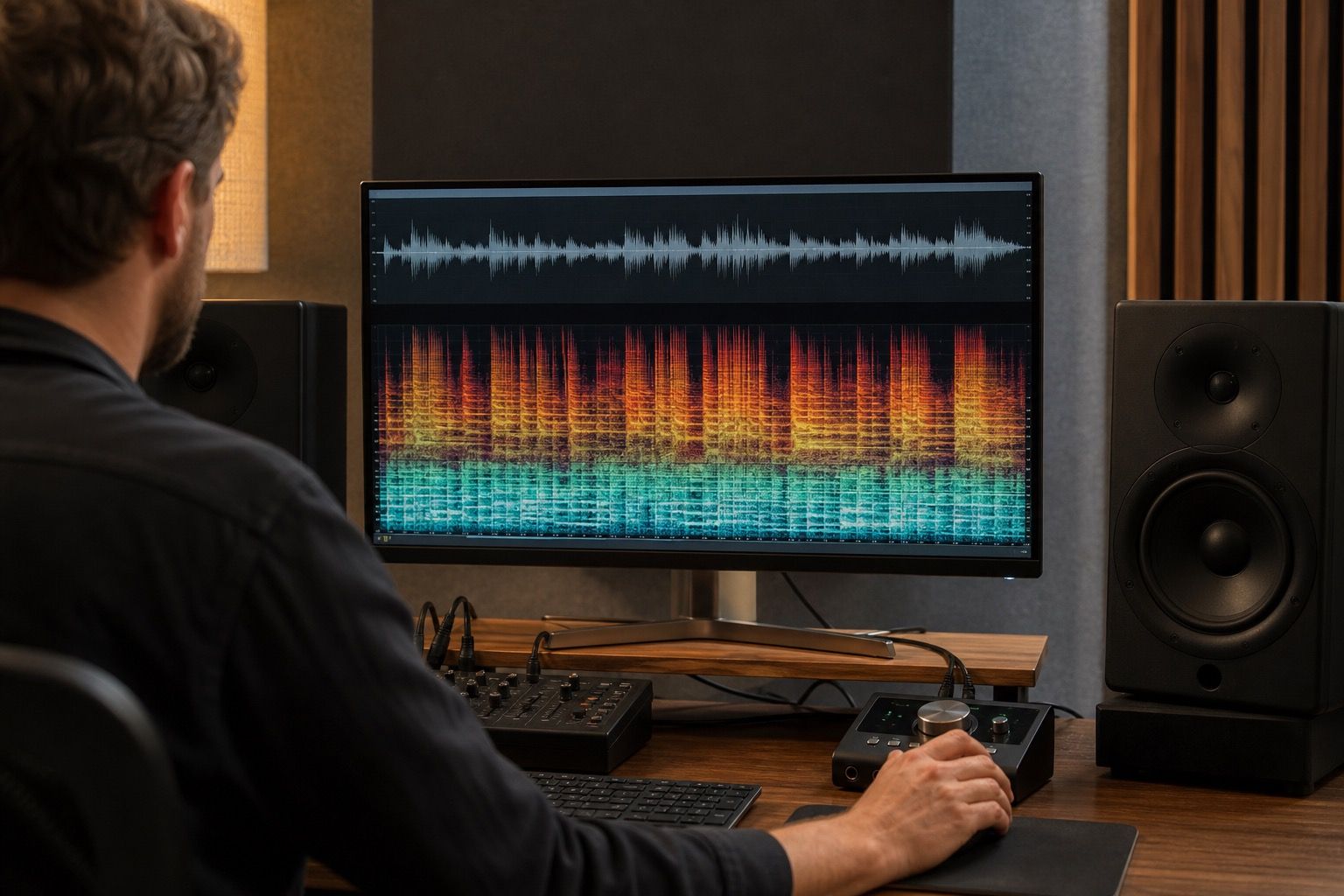
A real audio file stores pressure changes over time. A spectrogram view is calculated from that file by slicing time into windows and showing energy in frequency bins. During that process, the display chooses colors, contrast, scale, window size, overlap, and smoothing. A screenshot then throws away even more information. It may crop the frequency range, blur small details, compress colors, and hide quiet material under a dark background.
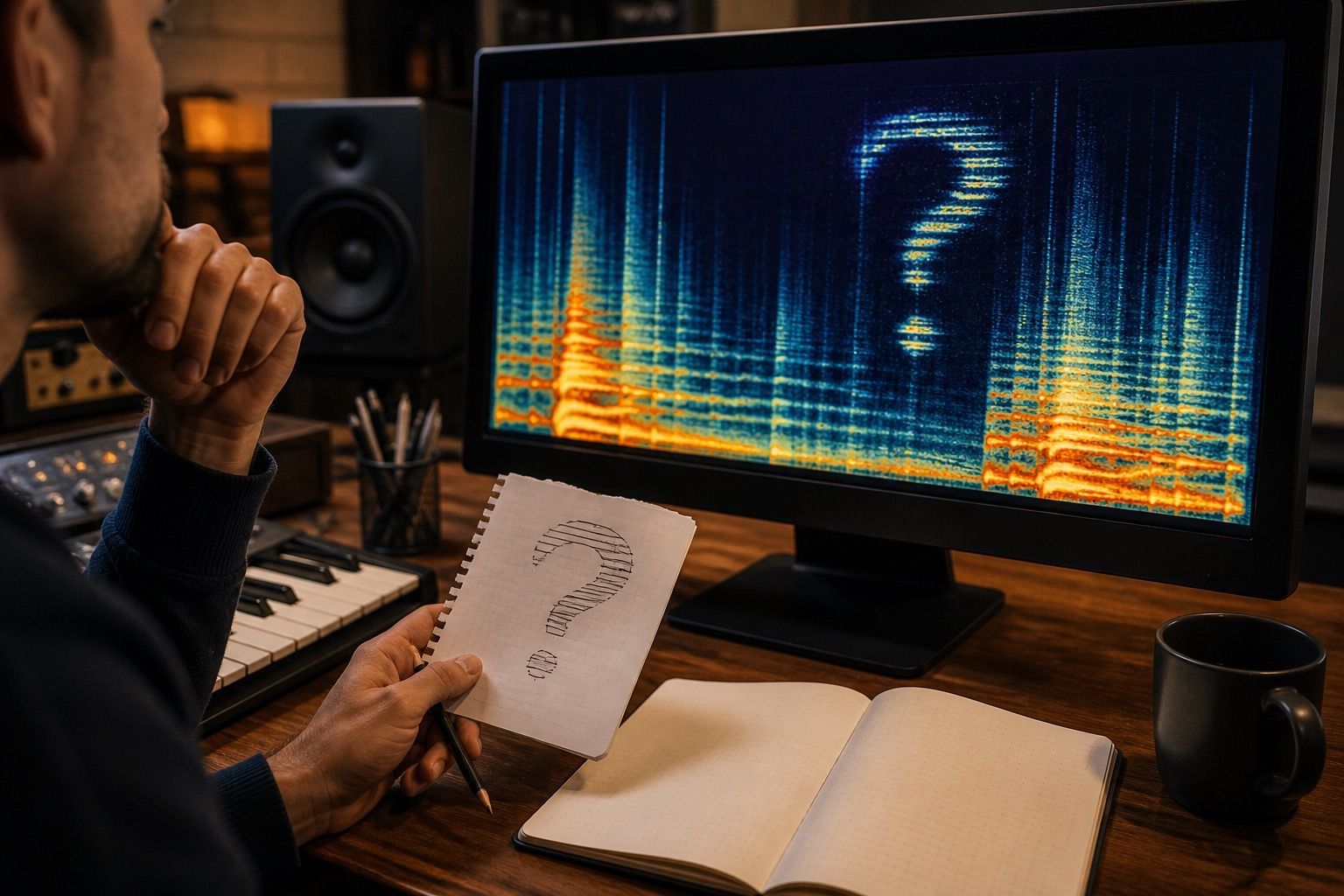
That is why a spectrogram decoder built from an image tends to produce an approximation. It can follow bright bands and broad shapes. It cannot know every waveform movement that produced them. If the input is a small JPEG copied from a forum, the tool is not decoding the past; it is guessing from a visual clue.
Why phase and timing details go missing
Phase is the part people usually forget because it is not visible in the friendly screenshot. Two sounds can have similar frequency energy and still feel different because their wave cycles line up differently in time. Transients, stereo width, drum snap, vocal presence, and room tone all depend on timing details that a simple spectrogram image does not preserve.
Magnitude tells you how much energy exists in each frequency area. Phase helps define how that energy turns back into a waveform. When phase data is missing, reconstruction has to invent it or estimate it. That can make the decoded sound hollow, smeared, metallic, or strangely distant. It may resemble the visual outline while missing the physical feel of the original audio.
Window settings add another limit. A spectrogram with a long window can show pitch bands clearly but blur fast attacks. A short window can show timing more clearly but smear pitch. If you only have the rendered image, you may not know which compromise was used. A decoder cannot reliably undo a decision it never saw.
This matters in AI music cleanup because many artifacts are already timing-sensitive. A click before a vocal, a fake consonant, a ringing cymbal tail, or a warbling reverb smear can be visible for a moment and still be hard to reconstruct cleanly. Treating the picture as complete evidence leads to overconfident repairs.
Use decoding experiments for learning, not mastering
A spectrogram decoder is useful as a learning tool. Feed it a clean synthetic tone, a sweep, or a simple hidden image audio example, and you can hear how bright lines turn into sound. That builds intuition. You start noticing why thin horizontal bands sound like whistles, why broadband vertical streaks sound like clicks, and why dense upper noise makes listening fatigue worse.
For mastering, the same tool is a poor final authority. A decoded experiment is not proof that the original track can be restored from a picture. It is not a shortcut around missing stems. It is not a reliable way to rebuild a vocal from a blurred spectral view. At best, it gives you a rough sonic sketch of visible energy.
I would keep decoder experiments outside the release session. Use them in a copy of the project, label the files clearly, and compare them against the real mix only for understanding. Once you start making final EQ, denoise, limiting, or export decisions, go back to the actual audio file and the cleanest source available.
| Use case | Decoder value | Cleanup decision |
|---|---|---|
| Learning frequency bands | Helpful and low risk | Use it to train your ear |
| Recovering from a screenshot | Very limited | Do not expect full reconstruction |
| Checking an AI artifact | Sometimes useful as a clue | Confirm by listening to the source |
| Final mastering repair | Too unreliable | Work from audio, stems, and references |
What visual repair can and cannot solve
Spectral repair tools are different from casual decoder tools. In a proper editor, you work on the original audio while viewing it as a spectrogram. You might select a cough, click, chair squeak, electrical buzz, or short whistle and reduce it. The image guides the selection, but the software still has access to the audio underneath.
That can be powerful for small, isolated problems. A narrow whistle above a vocal can often be reduced. A click between words may be repaired. A sudden digital chirp in an AI-generated stem may be softened enough to stop pulling attention. These are local repairs with clear boundaries.
It becomes much weaker when the problem overlaps the music. If a harsh band sits inside the lead vocal, removing it may dull the voice. If metallic shimmer is spread across the whole chorus, a visual selection may remove brightness along with the artifact. If a generated backing vocal melts into the reverb, there may be no clean line between useful tone and damage.
This is where the myth of the spectogram decoder can waste time. The misspelled search query leads to the same hope: turn a visual problem into a clean audio solution. Real cleanup is usually more modest. Find the problem, decide whether it is isolated, test the smallest repair, then listen for side effects.
Better ways to compare damaged and cleaned audio
The strongest workflow is a paired comparison. Keep the original AI music export, the cleaned version, and any stems in one session. Match their loudness before judging. If the cleaned version is louder, it may seem better even when the artifact is still there. If it is quieter, you may reject a good repair too quickly.
Use the spectrogram to mark problem zones. Then loop short passages: one bar before the artifact, the artifact itself, and one bar after. Listen on headphones for detail, then on small speakers for annoyance. A repair that looks clean but creates a dull hole is not finished. A repair that leaves a faint visual trace but stops bothering the ear may be good enough.
For serious work, save notes. Write down the timestamp, the type of issue, the tool used, and whether the repair survived export. AI music problems repeat. The next time you hear a glassy vocal edge or see a thin band near the top of the spectrogram, your notes will save more time than another decoder experiment.
A spectrogram decoder can be interesting, and in narrow cases it can make a rough audible version of a visual pattern. It should not be treated as a recovery machine. Music cleanup works best when the spectrogram is a map, the source audio is the material, and the final test is still ordinary listening.