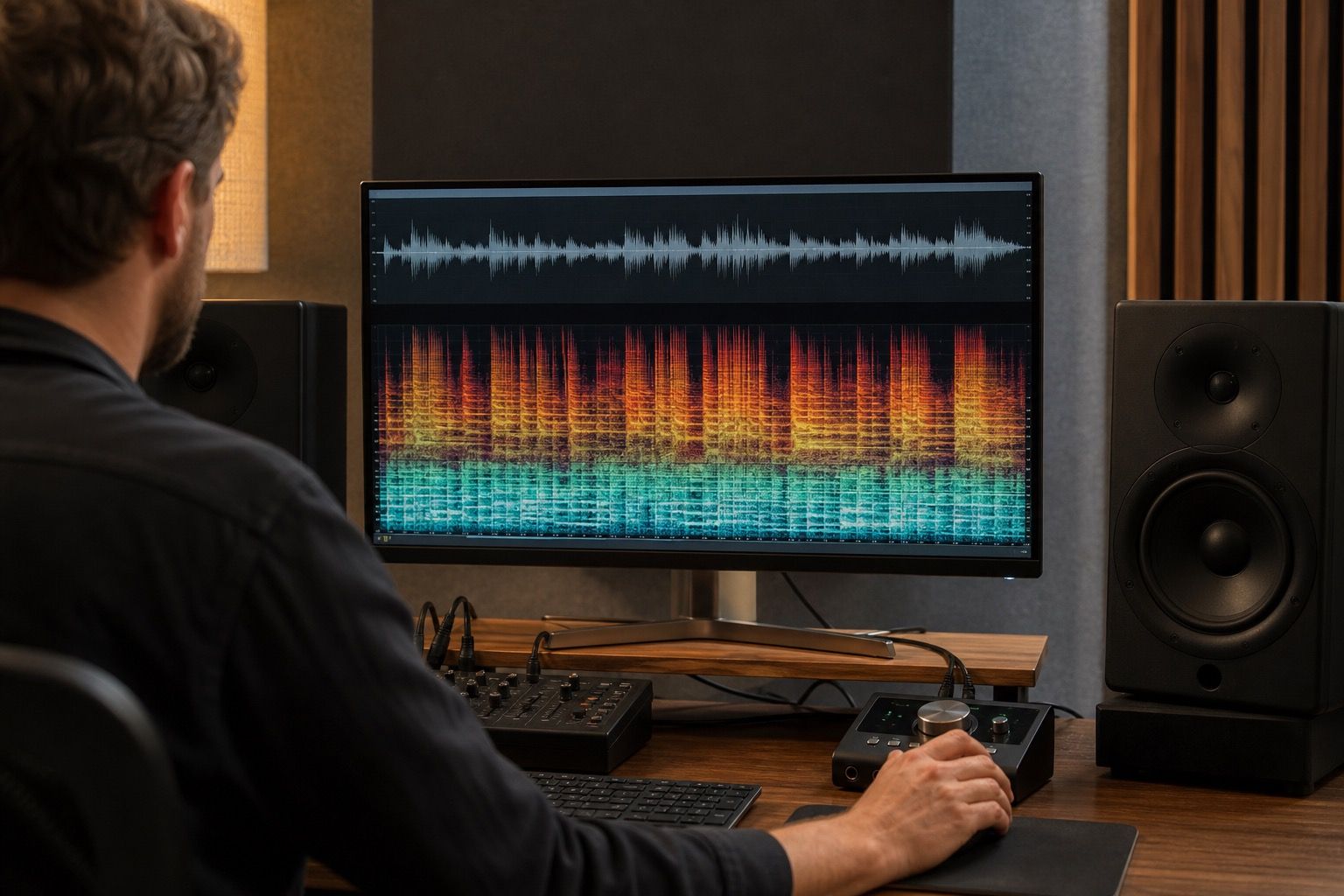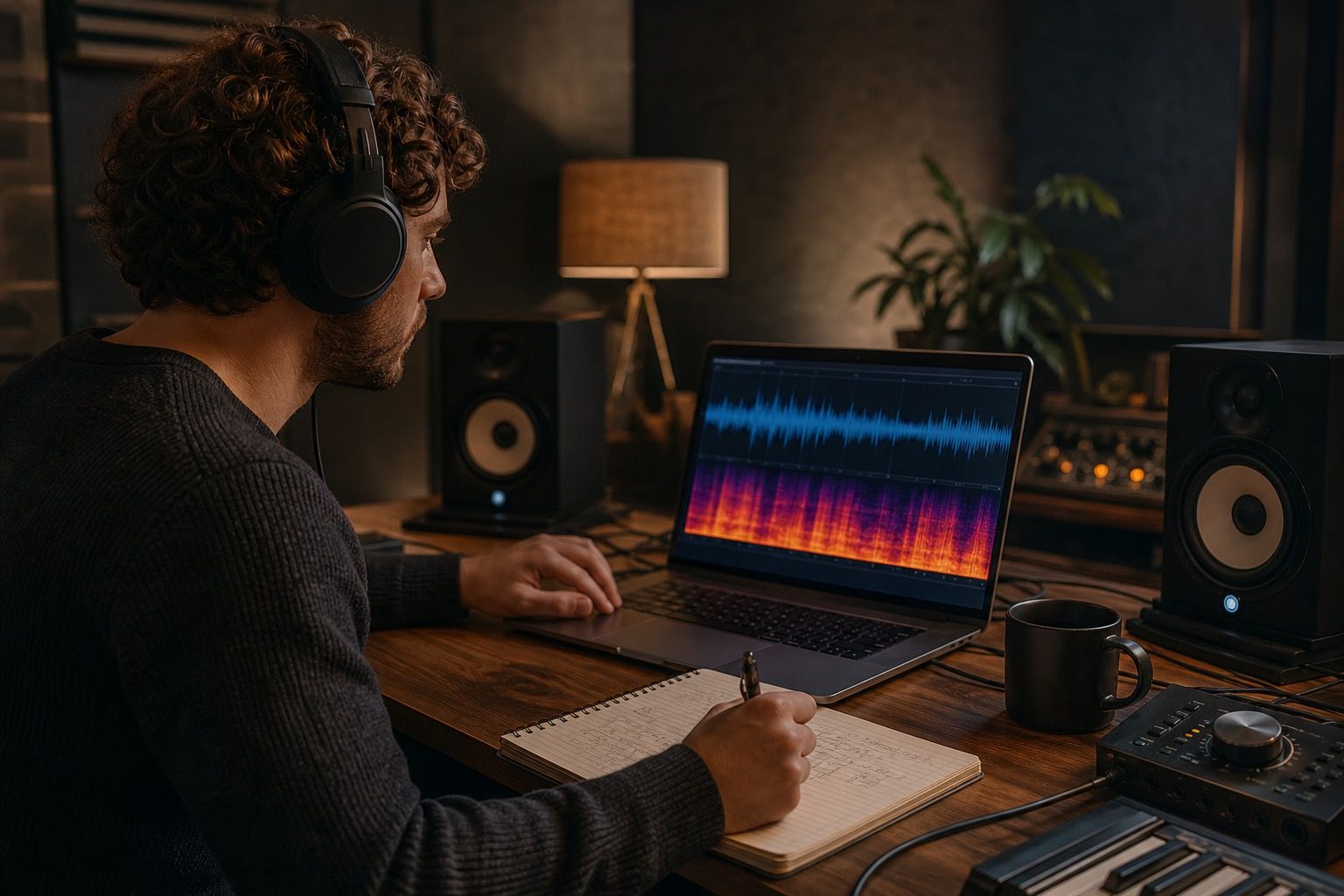
Suno Fix: What To Clean Before You Export A Track is about making a track easier to trust before release. The point is not to chase perfect restoration; it is to find the few suno fix problems that listeners will actually notice, clean them without draining the performance, and export a version that still feels like music rather than a repaired file.
Start with the artifact you can actually hear
A useful Suno fix starts with the sound that interrupts the song, not with a full chain of processors. I usually mark the first moment where the illusion breaks: a glassy consonant, a fizzy cymbal wash, a low-mid cloud around the vocal, or a chorus that suddenly feels wider than it should. That one timestamp gives the cleanup a target and prevents the session from turning into random polishing.
Work in short loops of ten to twenty seconds. If the problem disappears only when the whole track becomes dull, the repair is too broad. A metallic high end may need a narrow de-esser style move; muddy low mids may need a gentle cut around the vocal bed; chorus smear may need level discipline before EQ. The important part is to name the audible fault before touching the export.
Separate arrangement problems from export problems
Some flaws are not export problems at all. If the melody wanders, the lyric lands awkwardly, or the drums fight the bass, cleanup will only make a weak arrangement clearer. I keep one untouched reference and ask whether the issue happens because the idea is confused or because the audio texture is damaged.
Export problems tend to sound like edges, haze, unstable stereo movement, or a strange layer sitting on top of otherwise good material. Arrangement problems follow the notes and parts. That distinction matters because a new Suno generation may beat repair when the song itself keeps producing the same clutter, while a good take with a few vocal edges is worth cleaning.
Clean vocals before pushing loudness
Vocals reveal AI artifacts faster than almost anything else. Before limiting, I check the lead line at normal listening volume and again slightly quieter. Watery consonants, hard sibilance, and robotic vibrato become much harder to hide once the final limiter lifts the top end and keeps every syllable close to the listener.
The safest order is light cleanup, then tone, then loudness. If the vocal needs de-essing, a small dynamic cut, or a softened edge around the upper mids, do it before chasing volume. Loudness can make a clean vocal feel exciting; it can also turn a small artifact into the thing everyone hears first.
| Stage | Practical check |
|---|---|
| First listen | Mark one timestamp where the artifact is easiest to hear. |
| Cleanup pass | Use the smallest repair that reduces the problem without dulling the part. |
| Comparison | Level-match the original and cleaned export before judging tone. |
| Final bounce | Check chorus density, vocal edges, low end, and delivery format. |
Check the chorus and final thirty seconds
The chorus is where Suno artifacts often stack up. Extra backing layers, cymbal energy, wider synth pads, and bus compression can create a shiny smear that was not obvious in the verse. I loop the first chorus, the biggest chorus, and the last thirty seconds because endings often carry the densest texture and the most tired processing.
A track can pass a verse test and still fail at the finish. Listen for cymbals turning sandy, the vocal losing its center, bass notes swelling unevenly, or stereo width pulling attention away from the hook. Those are practical export checks, not abstract mastering worries.
Export a reference before changing everything
Before heavy repair, export a reference and name it clearly. A dated WAV, a cleaned preview, and a delivery MP3 tell you what changed and whether the song improved. Without that trail, it is easy to mistake a louder file for a better one.
Keep the final bounce check boring and repeatable: headphones, small speakers, one louder pass, one quiet pass, then a short break. The right Suno fix is usually the smallest set of changes that lets the track play from start to finish without one artifact pulling the listener out.
A practical finish is to save three exports: the untouched source, the cleaned working file, and the version prepared for upload. With Suno Fix, that small archive makes later decisions less emotional. If a listener complains about harshness, hum, or loss of detail, you can return to the exact stage where it appeared instead of starting the whole repair again.
One more useful habit is to avoid repairing while the monitoring level keeps changing. If the verse is checked quietly and the chorus is checked loudly, the ear will exaggerate different faults each time. Keep the level stable, then make one deliberate louder pass only after the small cleanup decisions are finished. This is especially important with AI music because brightness can feel impressive for fifteen seconds and tiring after two minutes.
I also avoid judging the final export immediately after a long edit session. Five minutes away from the track often reveals whether the fix really helped or simply made the file smoother. When the cleaned version still has punch in the kick, clear consonants in the vocal, and enough air around the hook, it is ready for the next stage. When it feels polite but lifeless, the repair has crossed the line.
A final practical check is to play the track from a listener's position instead of an engineer's position. Do not stare at the waveform for this pass. Start the file, step away from the screen, and notice the first moment that makes you want to turn the volume down, skip forward, or question the vocal. If that moment is gone after cleanup and the hook still feels alive, the Suno fix has done its job. If a new dullness appears in its place, return to the last saved reference and make a smaller move.
Save that decision in plain notes: what was cleaned, what was left alone, and which export sounded most honest on small speakers. Those notes make the next AI track faster to repair.